
The family budget that finally adds up.
One shared budget for everyone at home. Plan by category, see where every cent goes, and let what you don't spend roll into next month.
Coming soon to the App Store
For iPhone, iPad and Mac, running iOS 26, iPadOS 26 or macOS 26 and later.

Simple for the whole family. Exact for every bill.
One budget for the whole family.
Invite anyone at home through iCloud. Everyone uses their own Apple Account and sees the same numbers, and you choose who can edit.
Leftovers roll over.
Money you don't spend stays in its category and carries into next month. Go over, and you decide whether the shortfall follows or the category starts fresh.
Exact to the cent.
Nothing is ever rounded. Every amount shows two decimals, a group's total is always the sum of its categories, and net worth is the sum of the accounts you count in it.
No more surprise bills.
Give a quarterly, twice-a-year or yearly bill its due date. The app works out what to set aside each month and tells you whether you're on track.
Help kids learn to track money.
A simple budget keeps track of money coming in and going out. Money In goes straight to a category, ready to spend. Convert it to a standard budget at any time.
Bring in your statements.
Import CSV, OFX or QFX files from your bank. Preview every row first, and likely duplicates are flagged before anything is saved.
Snap the receipt. Premium
Scan or photograph a receipt and the amount is read right on your device. The photo stays with the transaction, and expense reports export as a PDF.
Right at home on your iPhone.
It follows your light or dark setting, or you can pick one.
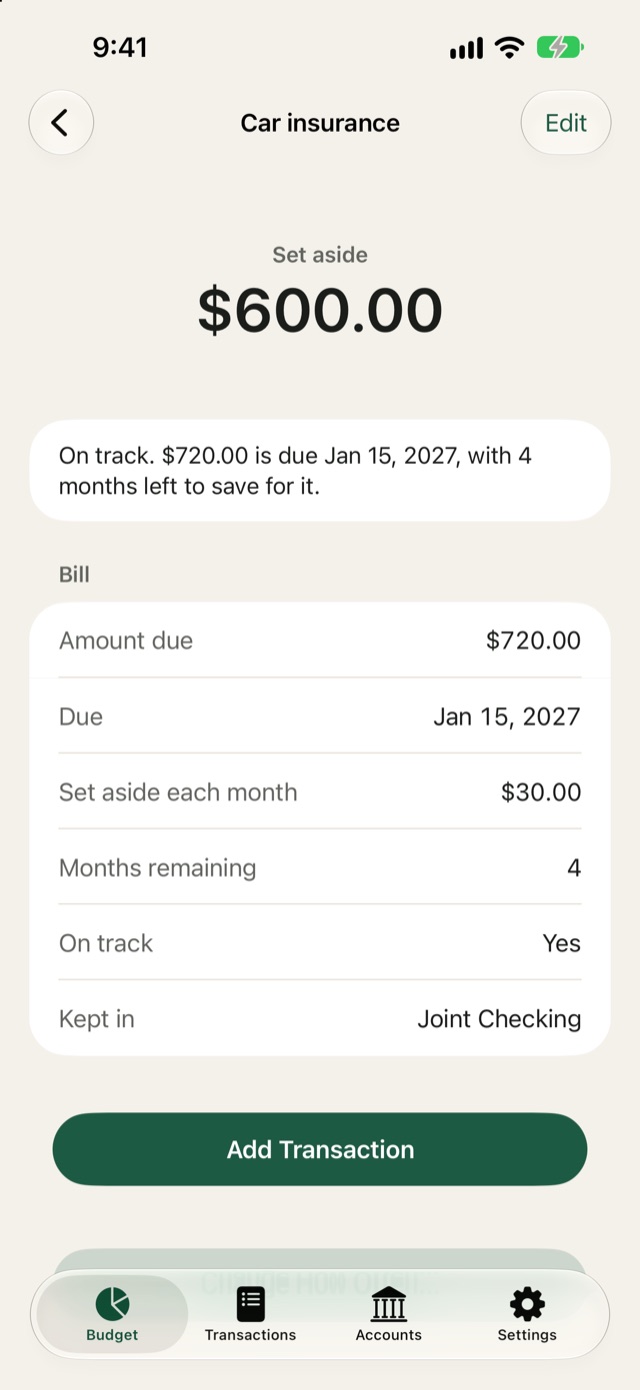
Set aside for the big bills
See what is set aside for a yearly bill, and whether you're on track to have it when it lands.
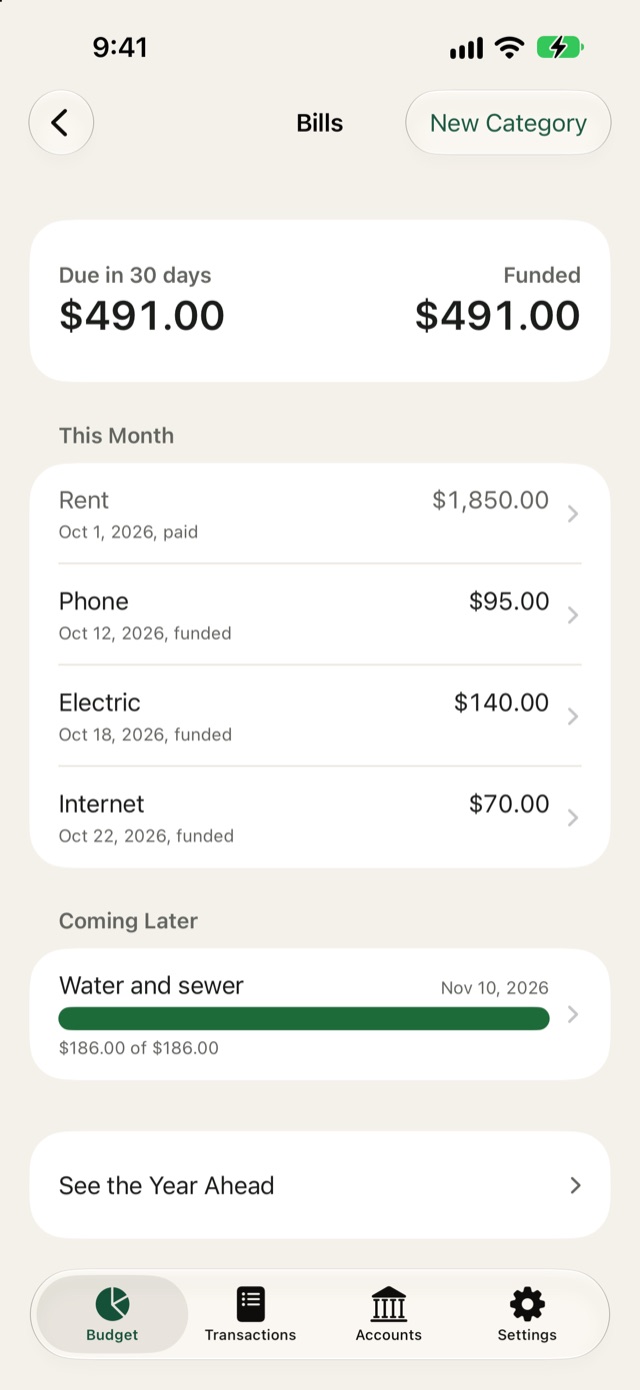
Know what is due
Bills due in the next 30 days, set against what you have already funded.
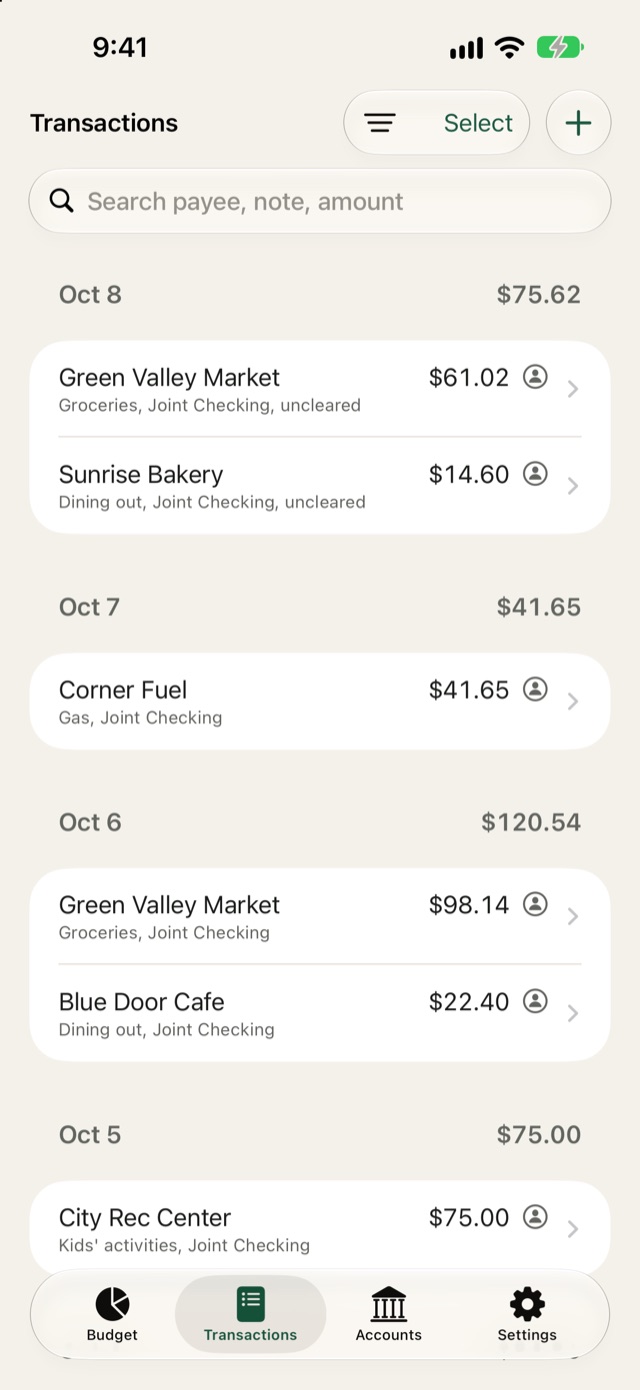
Find any transaction
Search by payee, note or amount. Filter by who entered it, splits, uncleared, or needs a category.
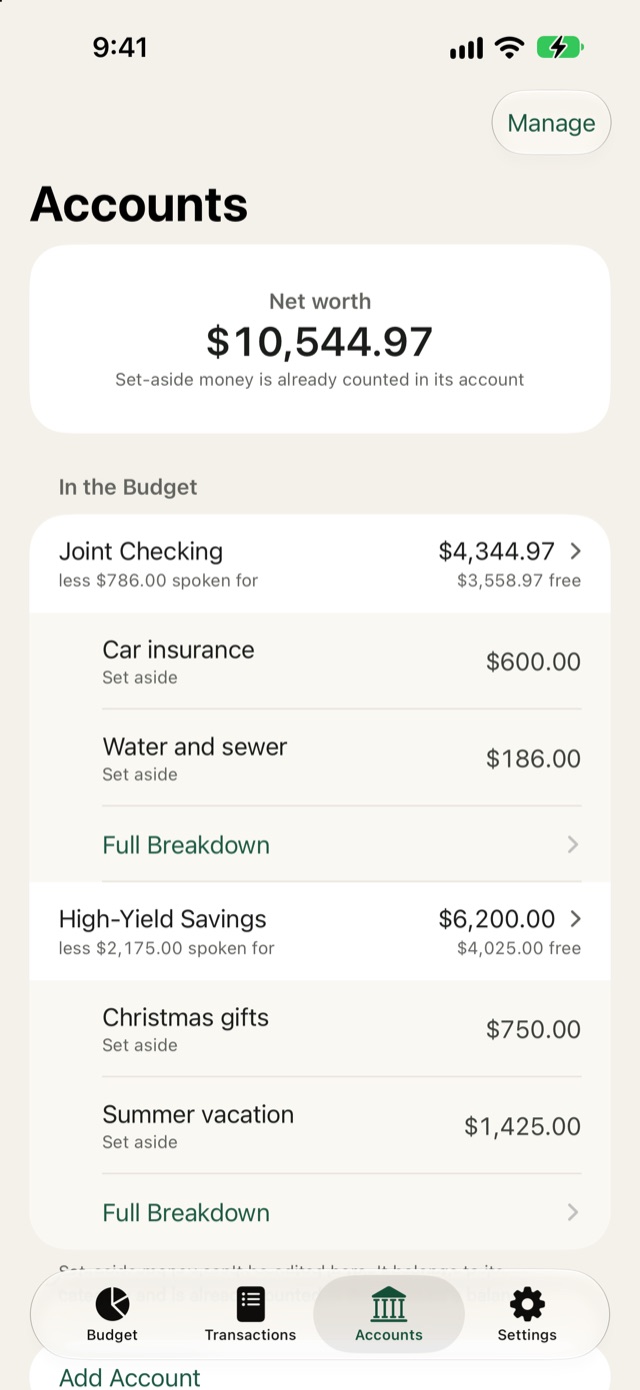
See what is free to spend
Real balances for every account, and how much of each is already spoken for.
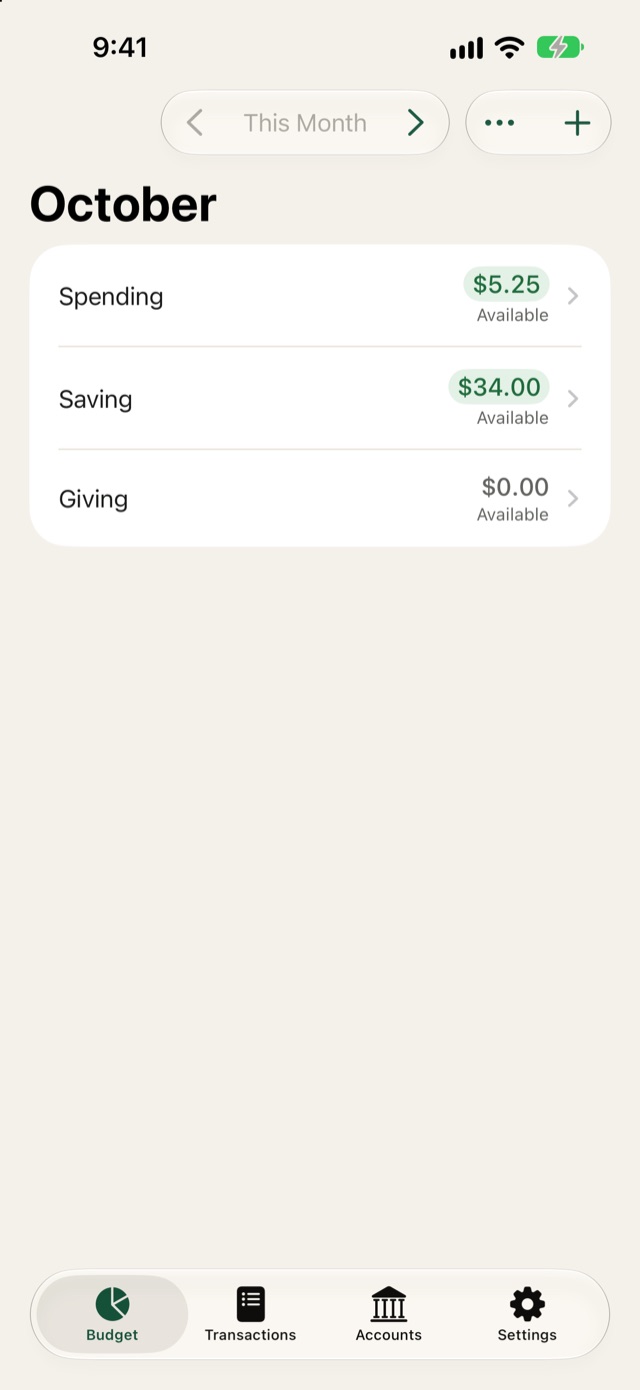
Keep it simple
Start with one Spending category and add more when you need them.


Your money is your business.
The only account it uses is your Apple Account, and nothing is stored on a server of ours. Your budget lives on your devices and in your own iCloud.
- Ads
- 0
- Trackers
- 0
- Bank logins
- 0
- Data we collect
- 0
- Works without a connection, and syncs through iCloud when you're back online.
- Lock the app with Face ID or Touch ID.
- Export your whole budget as JSON, and your transactions as CSV, any time.
More room on iPad and Mac.
On iPad and Mac, your month opens as a full table beside a sidebar, with assigned, activity and available side by side. It's the same budget as on your iPhone, kept in step through iCloud.

